Thermal camera resolution and specs explained: sensitivity, frame rate, field of view
Thermal camera listings are full of numbers: 256 × 192, 50 mK, 25 Hz, 50°, −20 to 350 °C. Thermal camera resolution is the one that decides whether you'll actually see the pipe in the wall. Others barely matter at home, and a few are marketing.
Here's what each spec means in plain terms, how to turn it into "what can I see from where I'm standing", and which numbers to ignore.
Short answer: Thermal camera resolution is the number of temperature-sensing pixels on the chip, such as 256 × 192 or 96 × 96. More native pixels let you stand farther back and still see small details. Ignore "enhanced" figures. For home checks, 256 × 192 with a 50° view covers whole walls and single pipes.
What does thermal camera resolution mean?
A thermal camera's resolution is the number of separate temperature sensors on its chip. Each pixel is one measurement.
- 256 × 192 means 49,152 measurements in every frame.
- 96 × 96 means 9,216.
This is the most important number on the box, and the one most often blurred by marketing. Watch for:
- "Enhanced", "super resolution" or "upscaled" figures, such as 512 × 384 from a 256 × 192 sensor. The app smooths the image to more pixels on screen. It looks nicer, but it doesn't add measurements, and it won't reveal something too small for the real sensor.
- Display resolution. The phone screen has millions of pixels. That says nothing about the thermal sensor.
- The visible camera. Some cameras quote the resolution of a normal camera built in next to the thermal one. Again, not the thermal sensor.
Always look for the native thermal resolution, sometimes listed as "IR resolution" or "detector resolution". If a listing gives only one big number and no native figure, treat that as a warning. Our guide to how a thermal camera works explains what those pixels are physically doing.
How do you work out what you can see from a distance?
Field of view (FOV) is the angle the camera sees. A 50° × 37.5° camera standing 2 m (6.6 ft) from a wall sees an area about 1.9 m wide and 1.4 m high (roughly 6 × 4.5 ft): most of a wall in one frame.
FOV and resolution together give the number that really matters: how big a patch of the surface each pixel covers. Divide the angle by the number of pixels and multiply by the distance. For a 50° view, that works out to:
| Distance | One pixel, 256 wide | One pixel, 96 wide | Smallest reliable object, 256 wide | Smallest reliable object, 96 wide |
|---|---|---|---|---|
| 0.5 m (1.6 ft) | 1.7 mm | 4.6 mm | about 5 mm (¼ in) | about 1.4 cm (½ in) |
| 1 m (3.3 ft) | 3.4 mm | 9 mm | about 1 cm (⅜ in) | about 2.7 cm (1 in) |
| 1.4 m (4.6 ft) | 4.8 mm | 13 mm | about 1.5 cm (⅝ in) | about 4 cm (1½ in) |
| 2 m (6.6 ft) | 6.8 mm | 18 mm | about 2 cm (¾ in) | about 5.5 cm (2¼ in) |
| 3 m (9.8 ft) | 10 mm | 27 mm | about 3 cm (1¼ in) | about 8 cm (3 in) |
The last two columns use a rule of thumb thermographers rely on: an object should cover about three pixels before you trust the reading on it. That's why a pipe about 15 mm across, about the outside width of a typical ½-inch copper water line (nominal ½ inch is ⅝ inch, or 16 mm, across the outside), is clear from about 1.4 m (4.6 ft) with a 256 × 192 sensor, but needs you within about 0.5 m (1.6 ft) with a 96 × 96 one.
Wide or narrow? A wide view (around 50°) suits houses: rooms are small, and you want a whole wall from a few steps back. A narrow view puts more pixels on a distant target, which matters for roofs, power lines or wildlife across a field, but indoors it means scanning a wall in strips.
What is the best thermal camera resolution for home use?
There's no single best number. It depends on how far back you need to stand and how small the thing you're looking for is.
| Native resolution | Measurements per frame | Where it fits |
|---|---|---|
| 96 × 96 | 9,216 | Close-up checks: one outlet, one door seal, one stretch of pipe within arm's reach |
| 160 × 120 | 19,200 | Single rooms from a few steps back, with less detail on small targets |
| 256 × 192 | 49,152 | Whole walls and ceilings, and single pipes from across a small room |
| 384 × 288 and 640 × 480 | 110,592 and 307,200 | Longer distances and professional work, such as building exteriors and roofs |
For most homes, the question is whether you'll work up close or stand back. If you'll scan whole ceilings or look for one pipe in a long wall, more native pixels save a lot of walking. If you only ever check things you can almost touch, fewer pixels can do the job. Our Spark vs Spark Pro guide turns this into real jobs around the house.
What is NETD on a thermal camera?
Sensitivity is usually given as NETD, in millikelvin (mK). It's the smallest temperature difference the camera can separate from its own electronic noise. Lower is better. 50 mK means 0.05 °C (0.09 °F).
You don't read 0.05 °C off the screen. What sensitivity changes is how clean faint patterns look: a slightly cool damp patch, a missing insulation batt on a mild day, a draft that's just starting. A noisier sensor shows those as grain; a more sensitive one shows them as shapes.
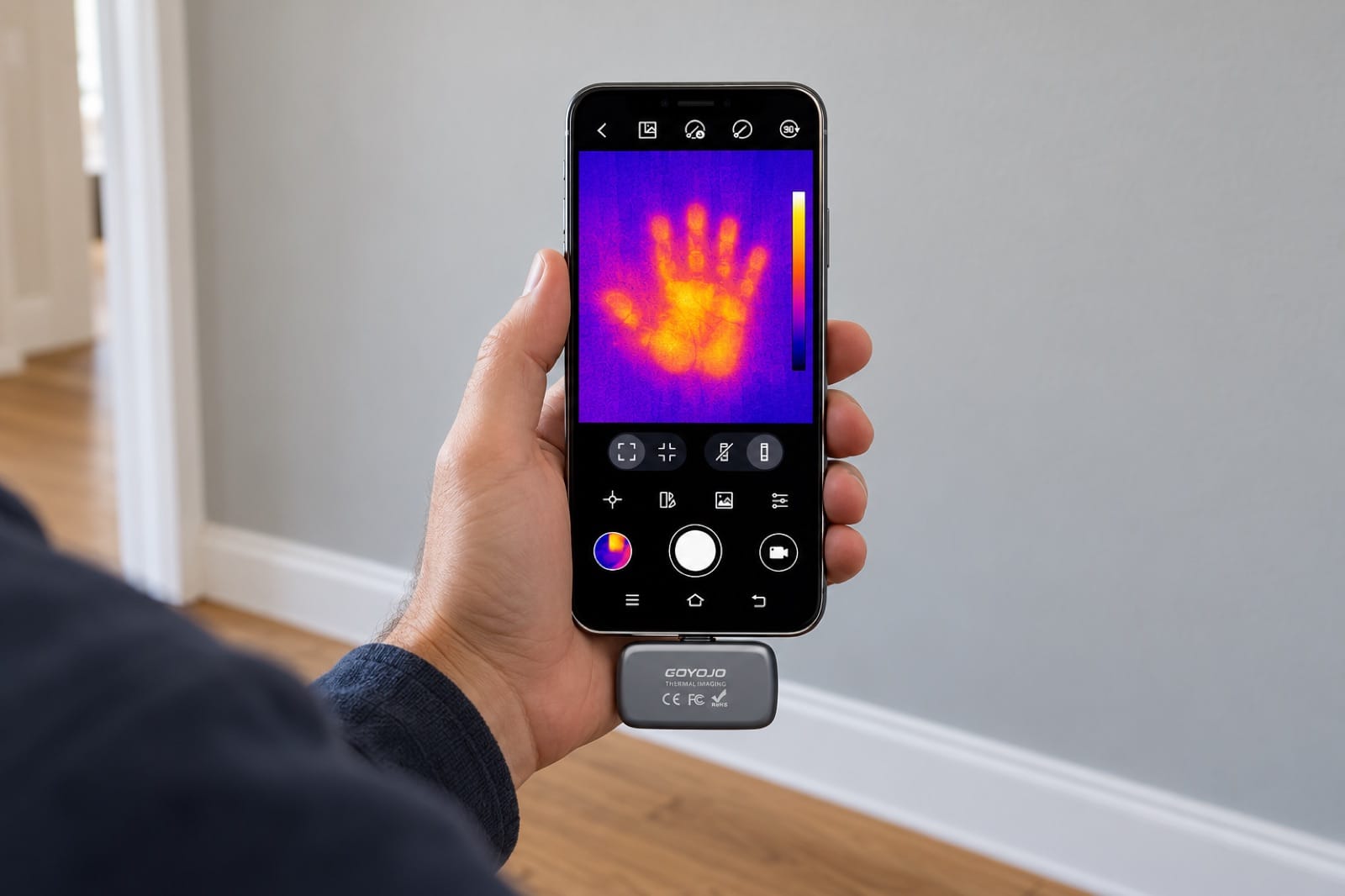
Illustration: the wall looks blank, but a sensitive thermal sensor still sees the faint heat a hand left there.
Manufacturers measure NETD under their own lab conditions, so treat it as a rough guide when comparing brands, and a better one when comparing models from the same maker.
Does frame rate matter on a thermal camera?
Frame rate, in hertz (Hz), is how many thermal images per second the camera makes.
- 25 Hz or more looks like live video. You can sweep across a wall and the image keeps up.
- 9 Hz or less, which some thermal cameras use, looks choppy. It's fine for a still target, but sweeping a room or following running water leaves smears and delays.
At home you're mostly scanning by moving the camera, so a smooth frame rate makes the job faster and less tiring than the number suggests.
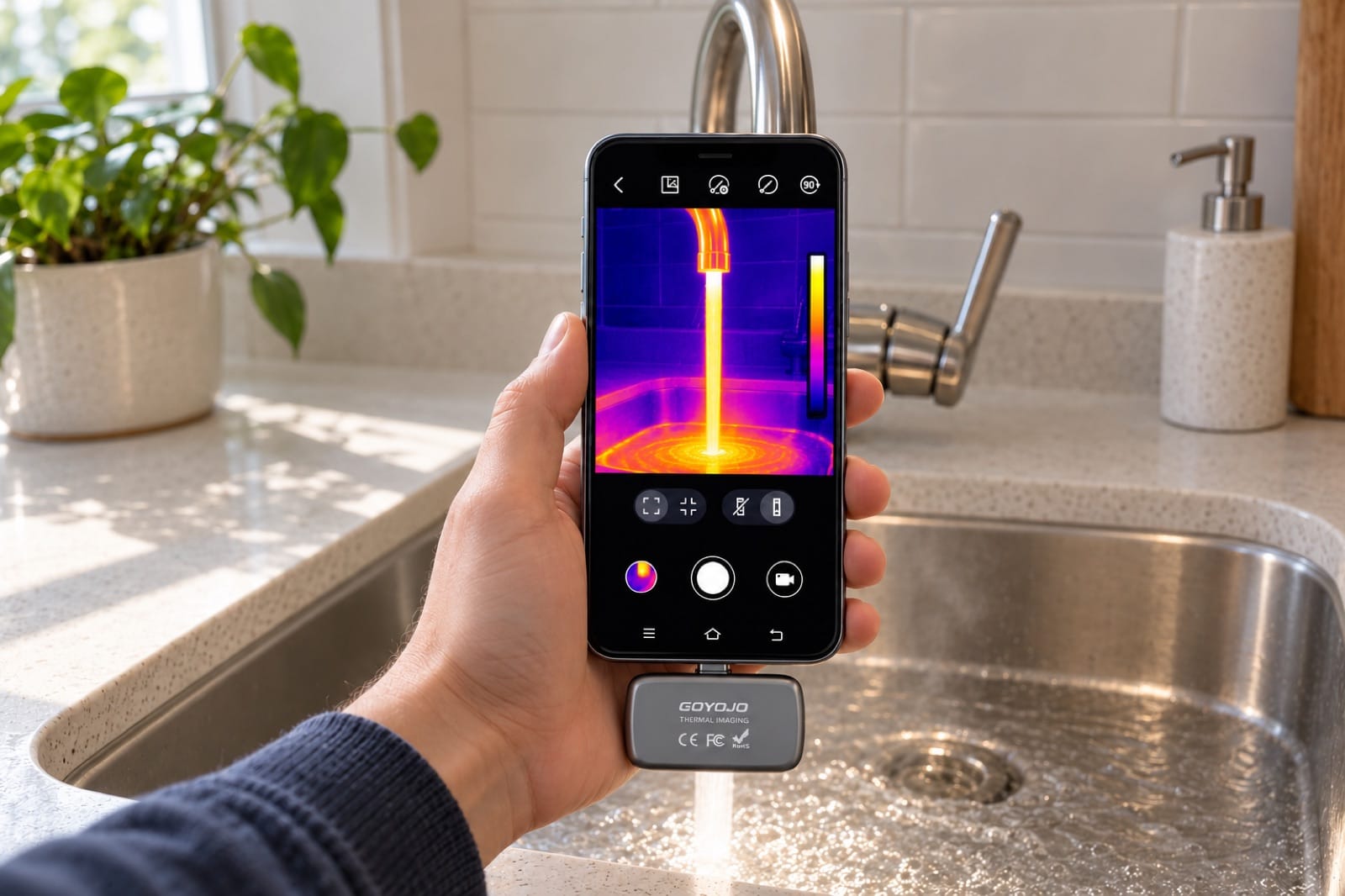
Illustration: at 25 frames per second, moving things like running water stay smooth on screen instead of jumping.
How accurate is a thermal camera, and what range do you need?
Range is the span the camera can measure, for example −20 to 350 °C (−4 to 662 °F). Anything in a house, from the freezer to a hot pan on the cooktop, fits inside that. A wider range only matters for kilns, engines or industrial work.
Accuracy is how close the number on screen is to the real temperature. It's often written like ±2 °C (±3.6 °F) or ±2 %, usually meaning whichever is larger. In practice, the surface itself causes bigger errors than the sensor: shiny metal, glass and glazed tile reflect heat and can read far too low. Our guide to reading a thermal image explains emissivity and the tape trick.
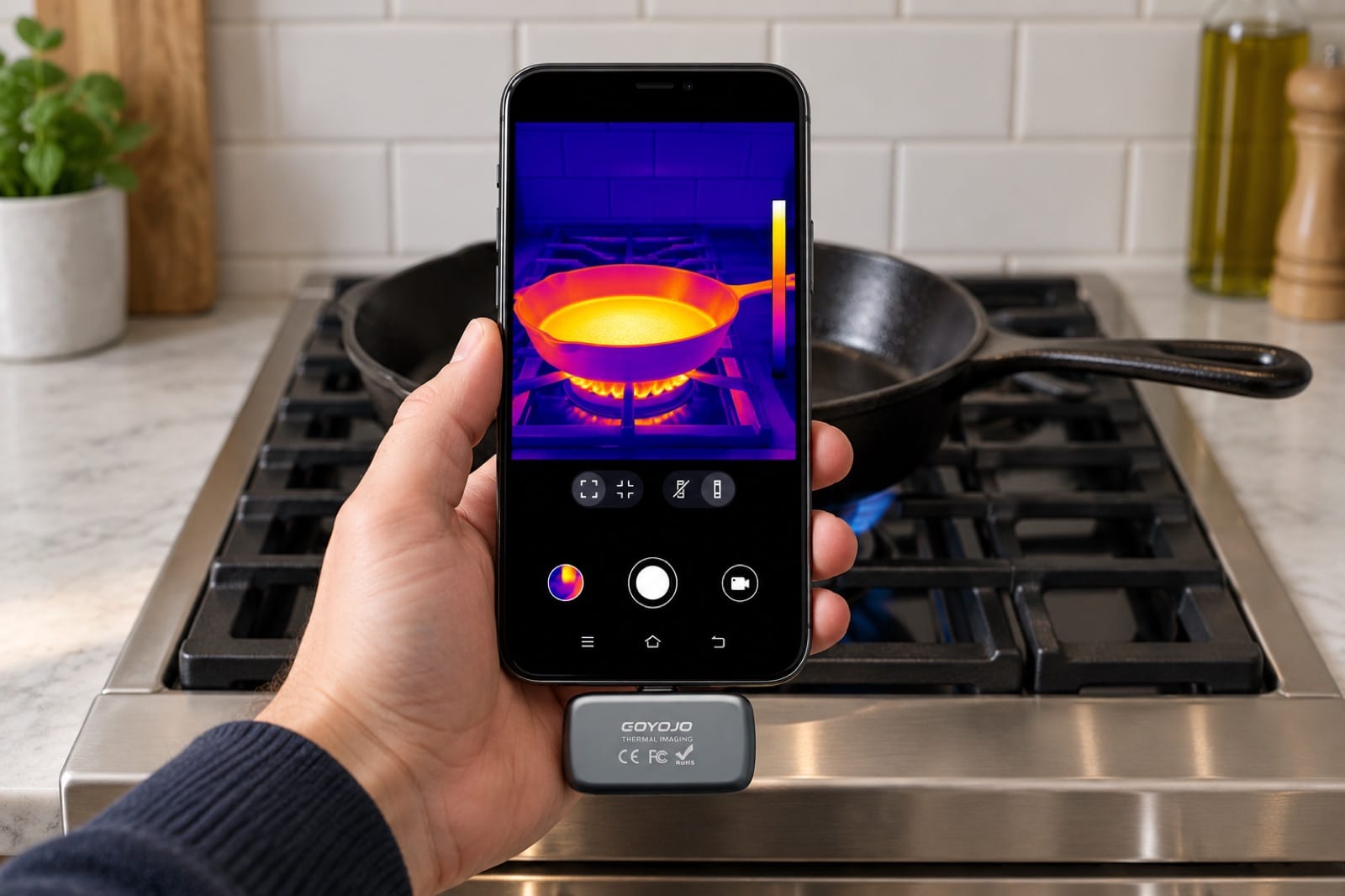
Illustration: a hot pan on the cooktop is about as hot as anything in a house gets, well inside a −20 to 350 °C range.
For most home jobs you're not after an exact number anyway. You want the difference: this patch is 3 °C (5 °F) colder than the rest of the wall, this plug is 15 °C (27 °F) warmer than its neighbor. Every thermal camera does that well.
What else on the spec sheet matters?
- Weight and size. A phone module of around 20 g (under an ounce) disappears in a pocket; a handheld unit doesn't.
- Connection. Phone modules plug into USB-C or Lightning. Check your exact phone model against the maker's list or our phone compatibility guide before you buy.
- App features. Palettes, a spot or box measurement, high and low markers, photo and video capture. Useful, but they can't make up for a weak sensor.
- Saved photos. Check whether you can still read temperatures from a photo after you take it, or only see the colors.
Which thermal camera specs are marketing traps?
- An "enhanced" resolution bigger than the native one.
- A big screen or visible-camera resolution printed larger than the thermal one.
- Detection distances ("see a person at 300 m") that don't say how much detail you'll get.
- A huge temperature range on a camera you'll only use indoors.
- No NETD or frame rate listed at all.
If you want the bigger picture first, our guide to thermal cameras vs night vision vs infrared thermometers explains what a thermal sensor actually measures.
How do you compare two thermal cameras?
You can do this with two product pages and a calculator:
- Write down the native thermal resolution of each. Cross out anything labeled enhanced, upscaled or super resolution.
- Write down the field of view. The same pixels spread over a narrower view show more detail but less of the wall.
- Work out one pixel at your usual distance. In millimeters, that's the distance in meters × the horizontal angle ÷ the horizontal pixels × 17.5. At 1 m with 50° and 256 pixels, you get about 3.4 mm. Our thermal camera distance calculator does the math for both cameras.
- Multiply by three. That's the smallest object you can trust at that distance. If it's bigger than what you're looking for, you'll have to step closer.
- Check the frame rate and NETD. Prefer a camera that lists them. If two cameras tie on pixels and view, these break the tie.
- Check that it fits your phone. A great sensor is no use if it doesn't plug in.
Two common mistakes: comparing an enhanced number on one listing with a native number on another, and comparing NETD across brands as if the tests were identical. Our spec comparison of Spark Pro, FLIR ONE Pro, TOPDON and Thermal Master shows the native numbers side by side, including where others do better.
How our two cameras compare
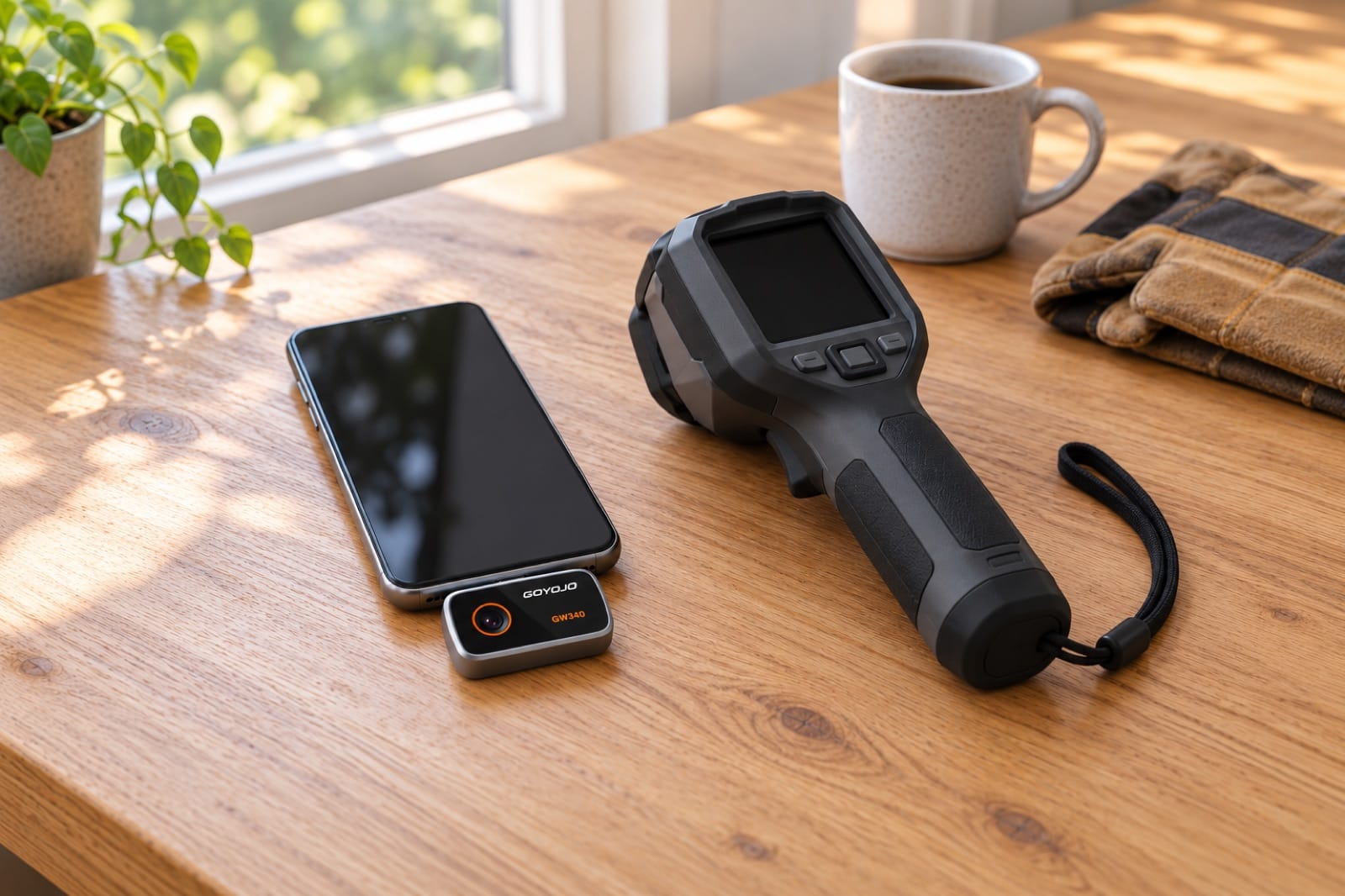
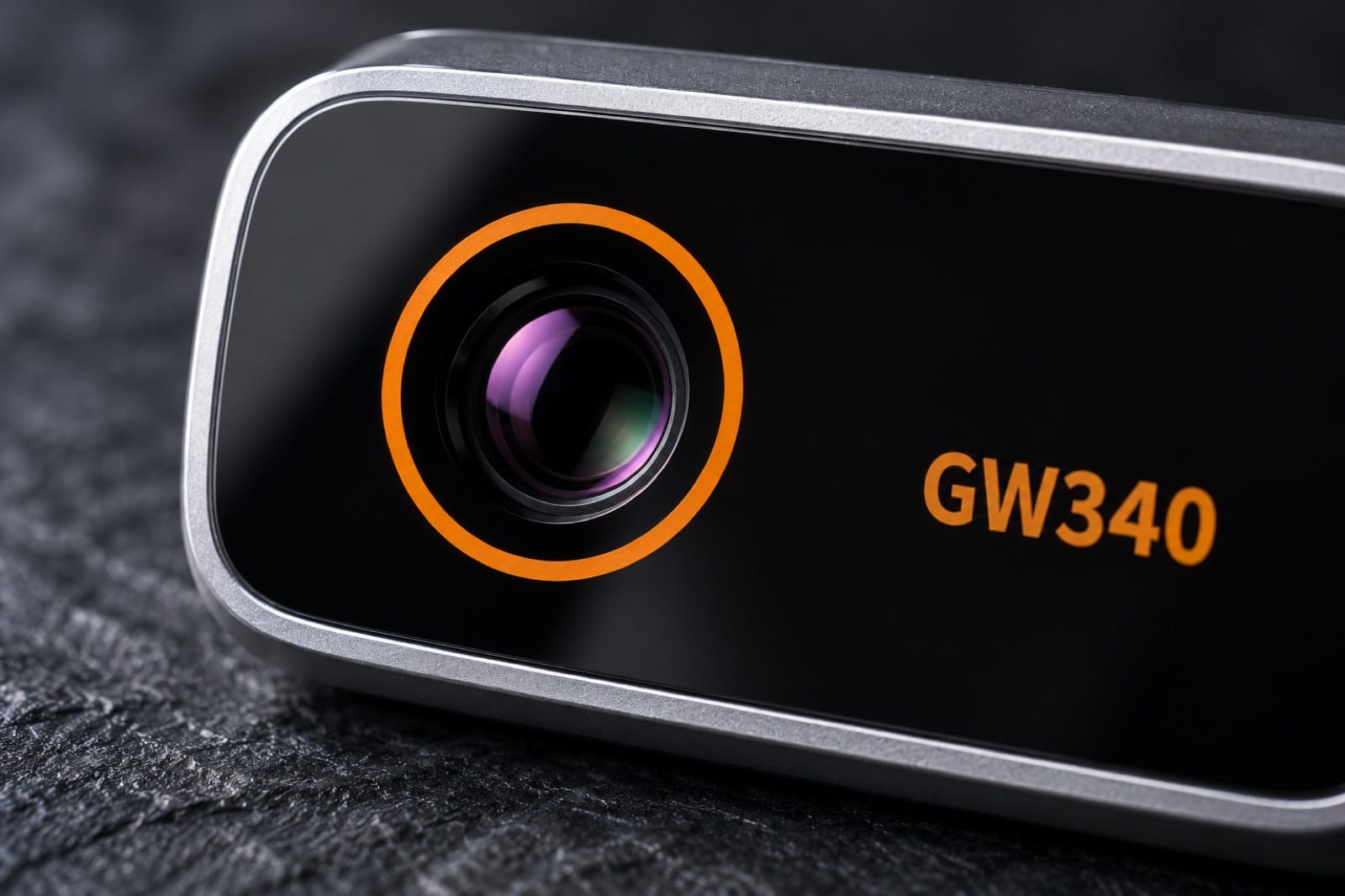
| Spec | Spark Pro (GOYOJO GW340) | Spark (GOYOJO GW192A) |
|---|---|---|
| Native thermal resolution | 256 × 192 | 96 × 96 |
| Shown on screen | 512 × 384 (enhanced) | 192 × 192 (upscaled) |
| Field of view | 50° × 37.5° | 50° |
| Sensitivity (NETD) | 50 mK | not listed |
| Frame rate | 25 Hz | 25 Hz |
| Temperature range | −20 to 350 °C | −20 to 400 °C |
| Accuracy | not listed | ±2 °C or ±2 % |
| Pipe about 15 mm across visible from | about 1.4 m (4.6 ft) | about 0.5 m (1.6 ft) |
| Weight | about 21 g | 19 g |
Both plug into USB-C phones and use the free THG Start app. If you have an iPhone, our guide to thermal cameras for USB-C iPhones covers which models fit.
Frequently asked questions
What does a thermal imaging camera do?
A thermal imaging camera reads the infrared heat that surfaces give off and turns it into a color picture of surface temperature. It doesn't see through walls, and it doesn't see water or air directly. What it shows are the surface patterns they cause, such as a cold damp patch on drywall or the warm line of a hot-water pipe.
Why is thermal camera resolution so much lower than a phone camera's?
Thermal pixels are different hardware. Long-wave infrared has a much longer wavelength than visible light, so each pixel has to be far larger than a phone camera's, and each one is a tiny heat sensor rather than a simple light sensor. They're harder to make, which is why tens of thousands of pixels is normal here while a phone camera has millions.
Is resolution or sensitivity more important?
For most home jobs, resolution comes first, because it decides whether a small target covers enough pixels to read at all. Sensitivity matters next, mostly on mild days or with faint patterns such as a slightly damp patch, where a noisy sensor shows grain instead of shapes. If two cameras match on resolution and field of view, compare their NETD.
Do the colors on a thermal camera mean specific temperatures?
No. Colors usually show temperature relative to the scale of that image, so the same orange can mean a different temperature in the next shot if the camera has rescaled. The palette you choose changes the colors too, not the measurements. To compare two images fairly, use the temperature readings on screen, or lock the scale if the app allows it.
Does higher resolution let a thermal camera see through walls?
No. At any resolution, a thermal camera reads the temperature of the surface in front of it. More pixels show that surface pattern more sharply, so a warm pipe or a line of studs behind drywall can look clearer, but only if it changes the surface temperature. A pipe with no heat difference stays invisible, whatever the sensor.
The tools in this guide
Prices are on each product page, in your local currency.
- Spark Pro — 256 × 192 native thermal pixels, 50 mK, 25 Hz, for whole walls, ceilings and single pipes from across the room.
- Spark — 96 × 96 thermal pixels, 25 Hz, the same app, for close-up checks.
Pick the camera by the numbers that matter. Order Spark Pro and see a whole wall in one frame.