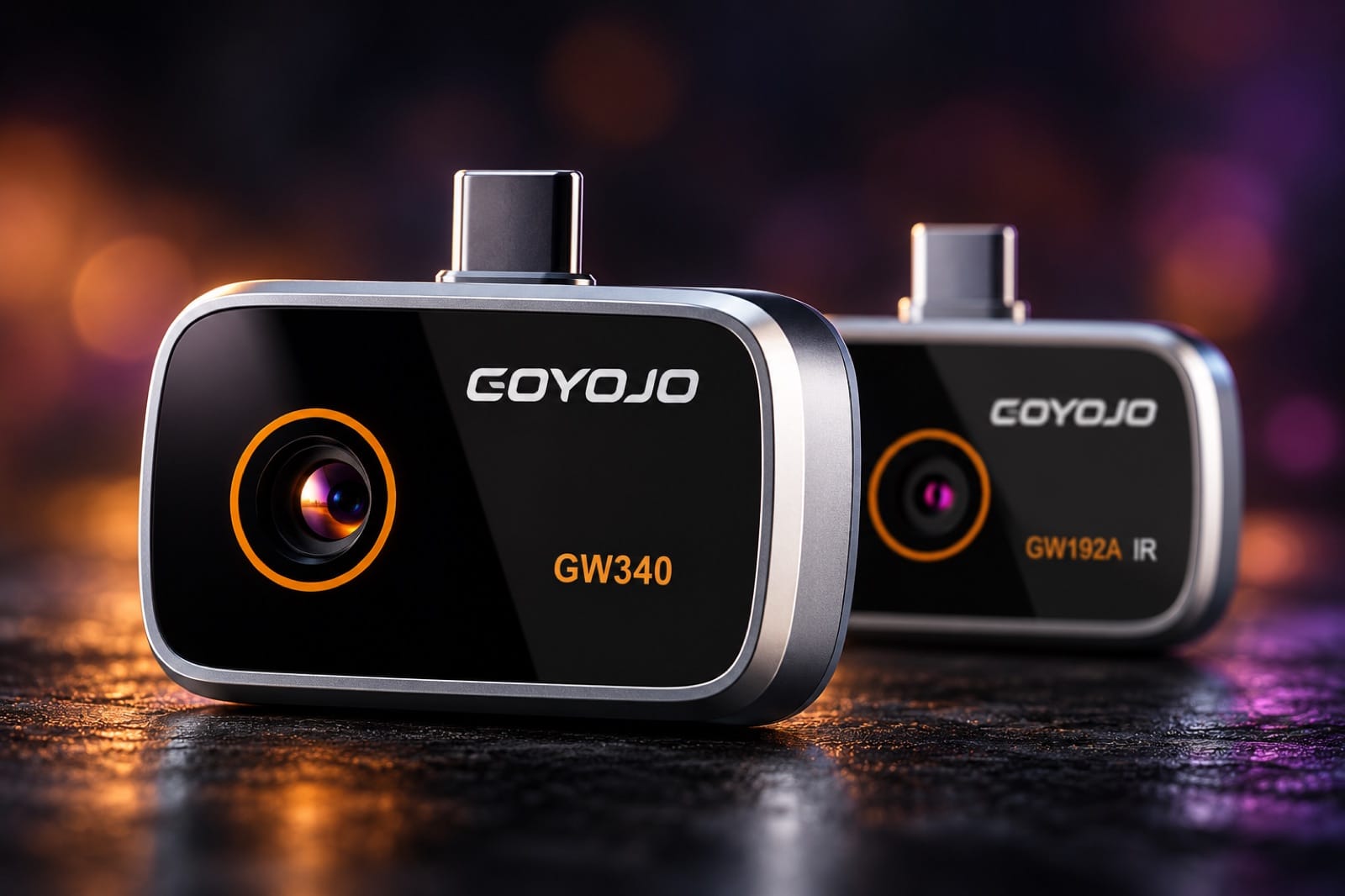
A thermal camera for your iPhone 15, 16 or 17
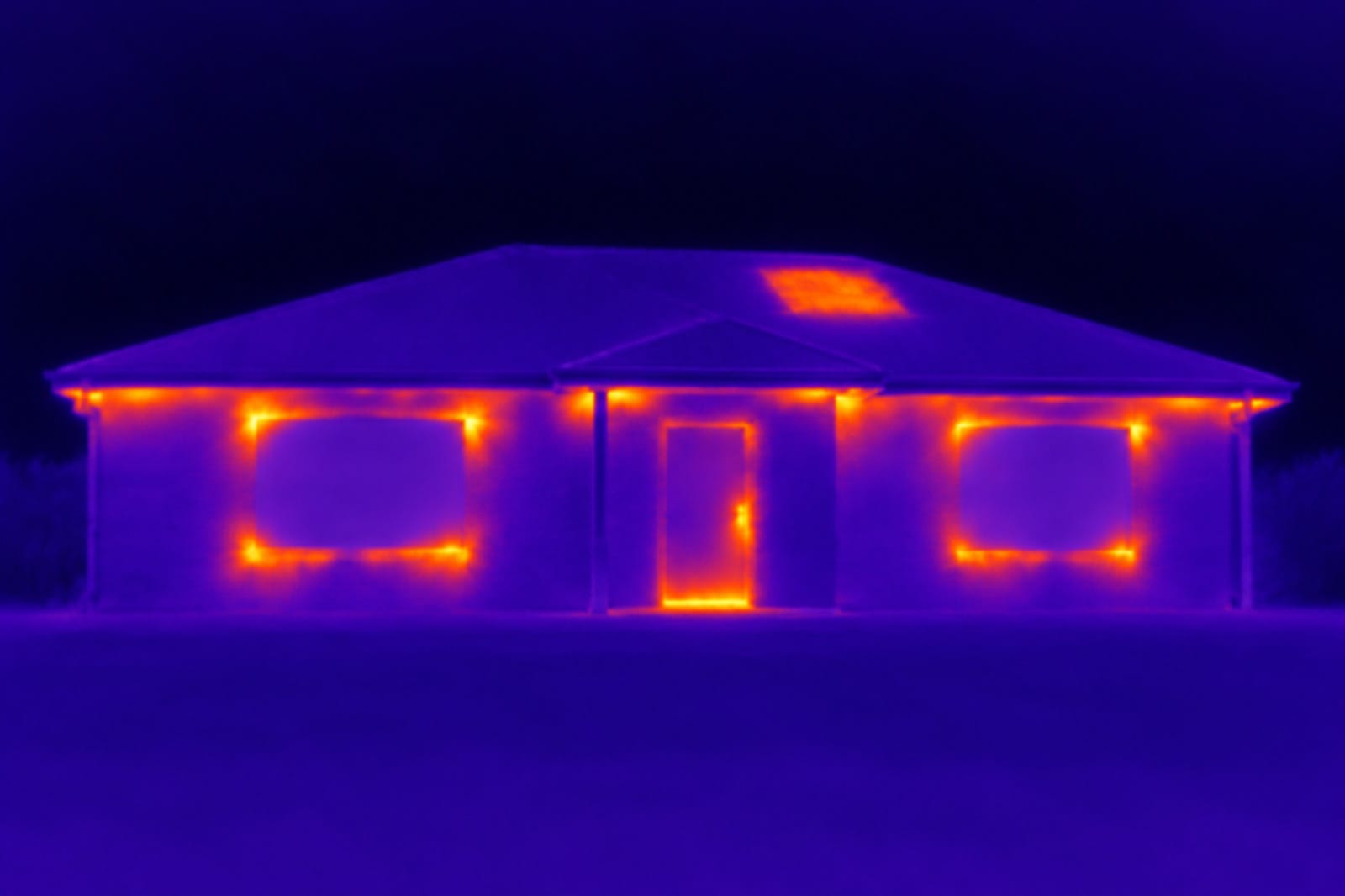
Spark and Spark Pro plug straight into the USB-C port of a recent iPhone and turn it into a thermal camera. Open the free THG Start app and the screen shows temperature as color: the cold patch of a leak, a draft around a window, a plug that's running hot.
Which iPhones it works with
| Phone | Spark and Spark Pro |
|---|---|
| iPhone 15 Pro and 15 Pro Max | ✓ Works |
| iPhone 16 and iPhone 17 models | ✓ Works |
| iPhone 15 and 15 Plus, iPhone 18 | Not on the maker's list yet — email us before you order |
| iPhone 14 and older (Lightning) | ✕ Won't fit |
| Android 12 or newer with USB-C | ✓ Works |
Both cameras plug into USB-C only — the maker no longer includes a Lightning adapter. If your iPhone has a Lightning port, a thermal camera won't fit, but the Reach Duo inspection scope has a Lightning plug.
Spark or Spark Pro?
| Spark | Spark Pro | |
|---|---|---|
| Thermal sensor | 96×96 (shown as 192×192) | 256×192 (shown as 512×384) |
| Temperature range | −20 to 400 °C (−4 to 752 °F) | −20 to 350 °C (−4 to 662 °F) |
| Thermal sensitivity | — | 50 mK |
| Field of view | 50° | 50° × 37.5° |
| Refresh rate | 25 Hz | 25 Hz |
| Weight | 19 g | about 21 g |
Each thermal pixel is one temperature reading. Spark Pro takes more than five times as many as Spark, so you can stand back from a ceiling or a whole wall and still see a single pipe, a thin crack or one loose wire.
Choose Spark for close checks: a window frame, a breaker panel, a charger, one patch of wall. Choose Spark Pro if you want to go over a whole house — ceilings, long walls, floors with radiant heat.
What you can find with it
- Leaks behind drywall or tile. Wet material usually reads cooler than the dry wall around it, because the water evaporates.
- Drafts around windows, doors, outlets and attic hatches on a cold or hot day.
- Missing or slumped insulation in walls and ceilings — it shows up as a patch that's warmer or colder than the rest.
- Hot-water pipes and radiant floor loops. Run the hot water and follow the line before you drill or nail.
- Overheating plugs, chargers, power strips and breakers — a hot spot that shouldn't be there.
What it can't do
It doesn't see through walls. A thermal camera reads the temperature of the surface it's pointed at, so a leak, a pipe or a gap in the insulation shows up only when it makes that surface warmer or cooler than the rest. It works best when there's a temperature difference: heating on in winter, air conditioning on in summer, hot water running through the pipe you're looking for.
Shiny surfaces — glass, mirrors, polished metal — reflect heat from elsewhere, so what you see on them isn't their real temperature.
How to use it
- Plug it into the iPhone's USB-C port.
- Open the free THG Start app (iOS and Android).
- Scan slowly. Purple is cold, yellow is hot, and the hottest and coldest spots are marked for you.
Looking inside a wall rather than at it? That's a job for an inspection scope — see articulating borescopes for iPhone.