Home inspection tools: thermal camera, moisture meter or inspection camera?
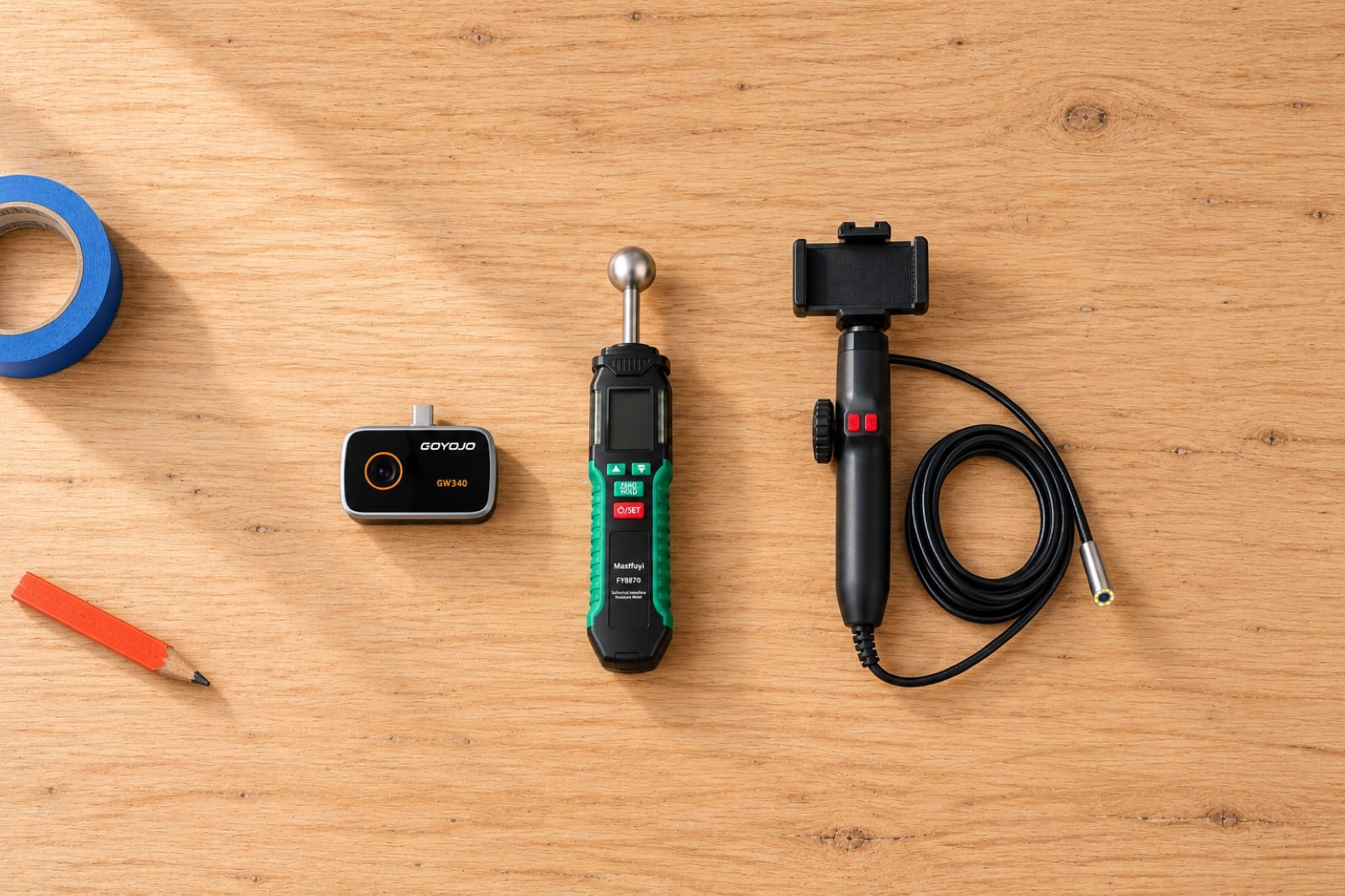
A thermal camera, a moisture meter and an inspection camera can look like three versions of the same gadget. They aren't. Each of these home inspection tools answers a different question about a wall, a ceiling or a floor, and the one you need depends on which question you're stuck on.
Short answer: The three home inspection tools that cover most problems are a thermal camera to find where something's off, a moisture meter to prove it's wet, and an inspection camera to see what's behind the surface. If you only buy one and don't yet know where the problem is, start with the thermal camera.
Here's what each tool actually tells you, what it can't, and which one to start with for the problems people most often have at home.
What do the main home inspection tools tell you?
| Tool | The question it answers | How it works | What it can't do |
|---|---|---|---|
| Thermal camera | Where? | Shows the surface temperature of everything in view, as colors | See water, see through walls, see cables |
| Moisture meter | Is it wet, and how wet? | Reads moisture 5–40 mm into the material | Scan a whole wall quickly, tell you where water comes from |
| Inspection camera | What exactly is it? | A small camera on a cable that goes through a gap or a small hole | Find the spot for you, see through anything solid |
Most problems need more than one answer. That's why the order matters: first find the spot, then prove what it is, then look at it.
1. Thermal camera: finds the spot
A thermal camera shows the surface temperature of a whole wall or ceiling in one frame, and many hidden problems change that temperature: wet drywall is cooler because water evaporates from it, a hot-water pipe warms the wall in front of it, and a loose connection makes an outlet warmer than its neighbor.
That's why it's the right first tool for anything where you don't yet know where to look:
- A stain on a ceiling or wall. The visible stain is often only the center of a larger wet area. The thermal image shows how far it really goes.
- Drafts and missing insulation, on a day when it's much colder or warmer outside than inside.
- Pipes and heating lines before you drill, with the hot water or heating running.
- Outlets, power strips, heaters and AC vents that run hotter or colder than they should.
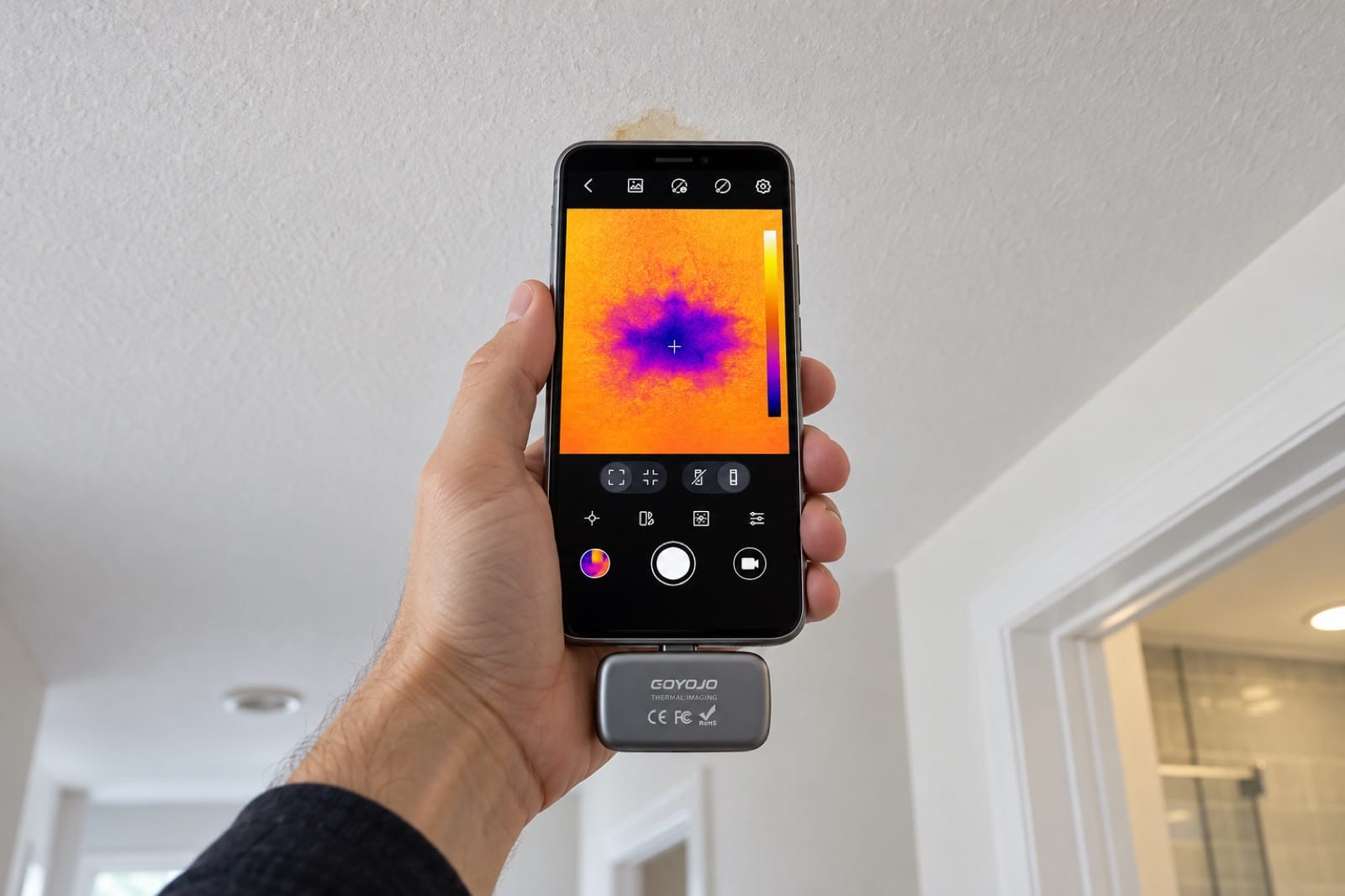
Illustration: the stain on the ceiling is small, but the thermal image shows how far the cold, damp area really spreads.
What it can't do: it doesn't see water, only the cooling it causes, so a cold patch might be wet or just cold. It doesn't see through walls. And it rarely shows electrical cables, because they don't get warm enough. Our guide to reading a thermal image covers the reflections and color tricks that fool beginners.
2. Moisture meter: proves it's wet
A moisture meter answers the question the thermal camera can't: is this spot actually wet?
A pinless meter like Damp has a rounded sensor that you press flat against the surface. It reads 5–40 mm into drywall, wood and concrete without leaving holes. The number on its own matters less than the difference: take a reading on a part of the same wall that's clearly dry, then move across the suspect area. A reading that climbs steadily toward one point is pointing at the source.
Where it earns its place:
- Confirming a cold patch from the thermal camera is damp and not just a cold corner.
- Checking that a wall has dried out after a leak is fixed, before you patch, prime and paint over it. Paint on damp drywall tends to bubble and peel.
- Tracking a slow leak. Mark the wettest point with tape and measure again in a week. A number that rises means the leak is still active.
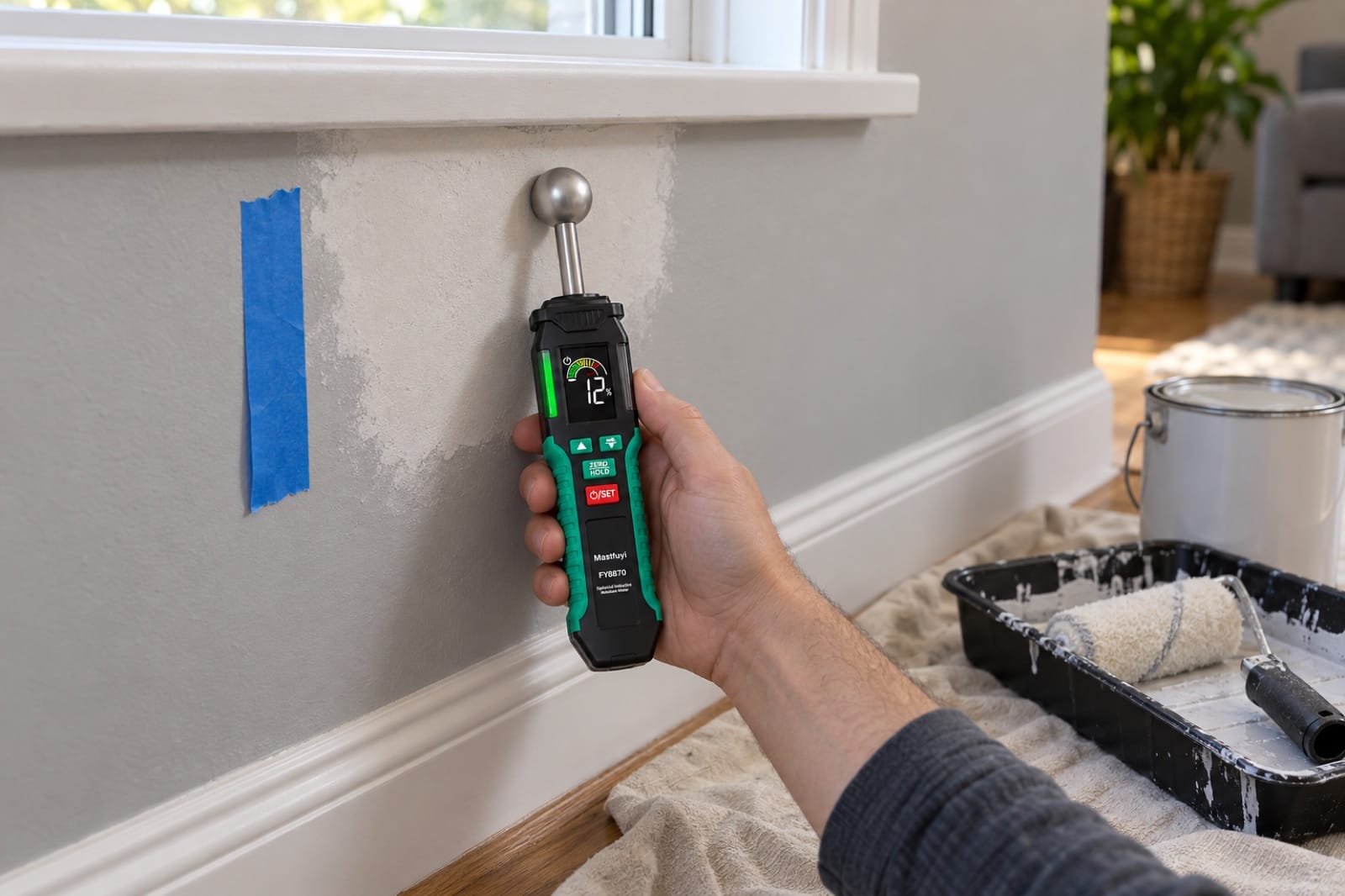
Illustration: before painting over an old leak, the moisture meter confirms the patched wall has dried out.
What it can't do: it only measures where the sensor touches, so searching a big wall with a meter alone is slow guesswork. And metal behind the surface, such as screws, pipes, corner bead or the metal lath in stucco walls, makes the reading jump. One high spot with nothing around it is often just a screw.
3. Inspection camera: shows you what it is
Once you know where the problem is, an inspection camera (also called a borescope or endoscope) lets you see it without opening up the wall or the floor. The camera tip goes through an existing gap, like the space under the cabinets or the hole around a pipe, or through one small drilled hole.
You see the actual thing: a dripping joint, a wet subfloor, a lost ring in a drain. There are two common designs, and we sell one of each (our guide to dual-lens vs articulating endoscopes goes deeper):
- Steerable tip. Reach 360 has a 6.2 mm tip that bends up to 180° each way when you turn a knob on the handle. Push it through a hole and you can look up and down the inside of a wall from that one spot.
- Front and side cameras. Reach Duo has a fixed tip with two cameras, one looking forward and one looking sideways. The side camera is useful in pipes and drains, where you want to see the wall of the pipe rather than the darkness ahead. Its USB-C plug comes with a Lightning adapter in the box, so it also fits iPhone 14 and older; iPhone 15 to 18 use the USB-C plug directly.
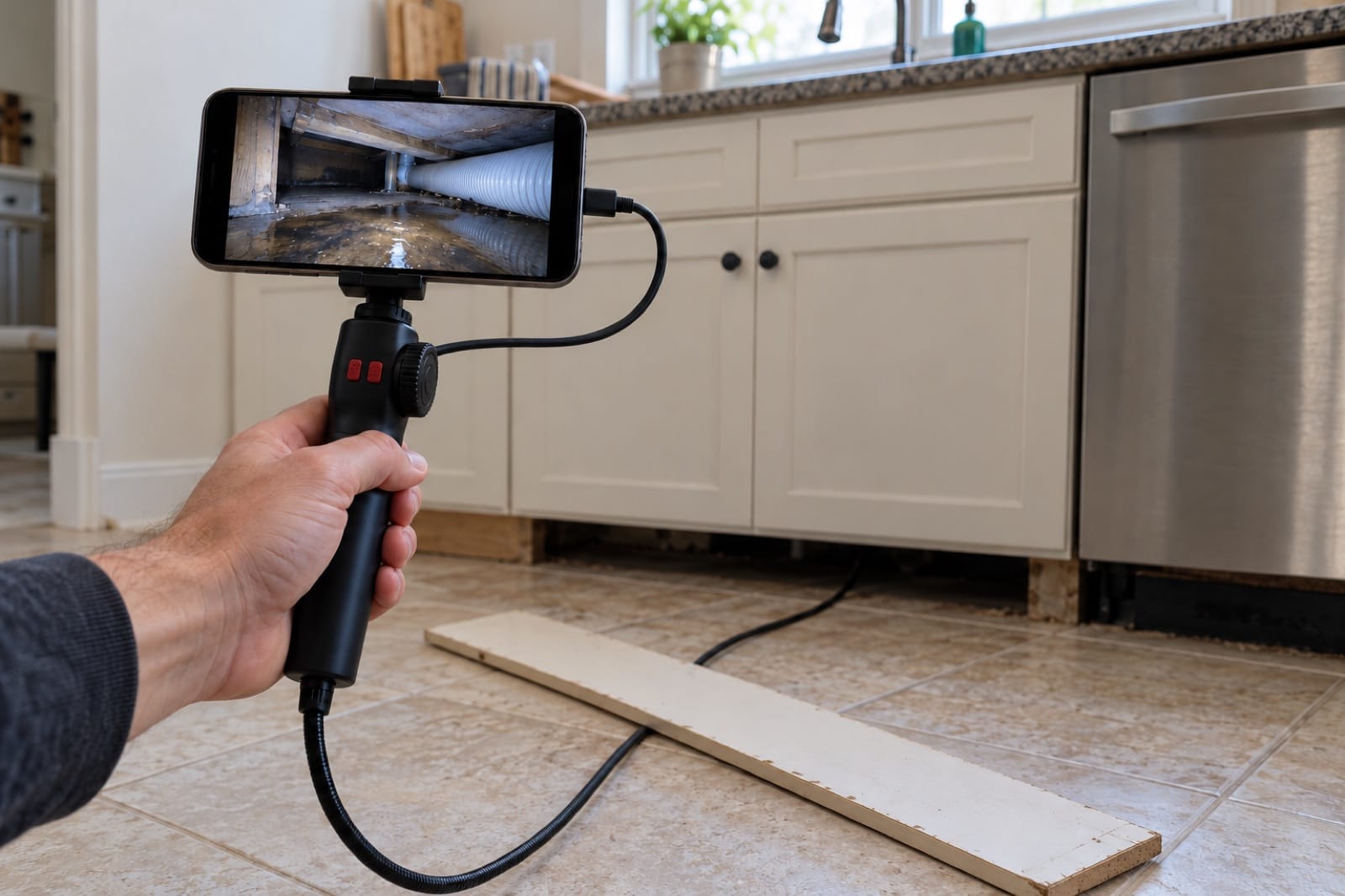
Illustration: with the toe kick off, the inspection camera looks under the cabinets and finds where the water actually is.
What it can't do: it can't find the problem for you. Push a camera into a wall at random and you'll mostly see insulation. It also needs a way in, and the 1 m cable on both of ours is made for walls, cabinets, engines and drains, not for long sewer lines.
Thermal camera vs moisture meter: which do you need?
People often compare these two, but they do different jobs, and neither replaces the other. The thermal camera looks at a large area at a distance and shows you where to investigate; it can't tell you that a patch is wet. The moisture meter touches one spot and gives you a reading for it; it can't tell you where to start.
If you know the spot already, for example a swollen baseboard or a repaired wall you want to paint, the moisture meter alone will do. If all you have is a musty smell or a room that feels wrong, you'll spend a long time pressing a meter against walls, and the thermal camera gets you there faster.
What's the best tool to find a water leak in a wall?
There isn't one best tool, because finding a leak has more than one step. A sequence that works for most walls:
- Thermal camera first. Scan the wall with the water off, then run the hot water and scan again. Look for a cool, blotchy patch, or a warm one that grows.
- Moisture meter on what you found. Compare it with a dry part of the same wall. A rising reading toward one point suggests where the water is coming from.
- Inspection camera last. Go in through an existing gap or a small hole near the wettest point to see the actual joint or pipe.
It won't find every leak. A slow one with little temperature effect can stay hidden until the wall is properly wet. Our guide to finding a water leak behind a wall covers each step in detail, including what to try for free first.
Which tool should you start with?
| Your problem | Start with | Then |
|---|---|---|
| Stain on a ceiling or wall | Thermal camera | Moisture meter, then inspection camera |
| Mold that keeps coming back | Thermal camera | Moisture meter |
| Drafty rooms, high power bills | Thermal camera | — |
| Warm outlet or power strip | Thermal camera | An electrician if something is hot |
| Was the leak fixed? Is the wall dry? | Moisture meter | — |
| Swollen baseboard or soft floor | Moisture meter | Inspection camera |
| Before drilling into a wall | Thermal camera | Inspection camera through a pilot hole |
| Slow drain or something dropped in a pipe | Inspection camera | — |
| Buying or renting a house | Thermal camera | Moisture meter on anything suspicious |
What should you buy if you're only buying one?
- Buy the thermal camera if you don't know where the problem is, or you want one tool for many jobs: leaks, drafts, insulation, heating, electrical and pipes. Spark Pro shows a single 15 mm pipe from about 1.4 m away, so you can scan whole walls and ceilings rather than working bit by bit. Spark does the same work up close, from about 0.5 m for the same pipe.
- Buy the moisture meter if you already know the spot and only need to know whether it's wet, or whether it has dried.
- Buy an inspection camera if you know exactly where the problem is but can't see it: inside a cabinet, behind a panel, down a drain, under a car seat.
If you deal with more than one kind of problem, or you own an older house, you'll end up wanting all three. That's the reason the Whole Home Kit exists: Spark Pro to find the spot, Damp to prove it's wet, and Reach 360 to look inside, for 10% less than buying them separately.
What else is in a home inspector's tool kit?
Professional inspectors carry more than these three, and some of it is cheap and useful for anyone: a bright flashlight, a sturdy ladder, a screwdriver for sounding wood and for removing panel covers (a job they're trained for), an outlet tester and a combustible gas detector. Their kit also includes experience and a report format that no tool gives you.
For a homeowner, the flashlight and the outlet tester are the easy additions. If you're checking a home you might buy, our home inspection checklist before you buy or rent lists what's worth bringing.
Do these tools replace a licensed inspector?
None of these tools replaces a licensed plumber, electrician or inspector. What they give you is evidence: a thermal photo, a moisture reading and a picture of the inside. "Something's wrong in the bathroom" becomes "it's this spot, and here's what it looks like", which saves time and money with whoever fixes it. Electrical and plumbing repairs remain jobs for a licensed professional (in most places this is required by law). For a house you're thinking of buying, a scan of your own is a first look, as our 20-minute thermal check explains.
Frequently asked questions
Is a pinless or pin moisture meter better?
They suit different jobs. A pin meter pushes two small pins into the material and reads between them, which is precise for that exact point but leaves holes. A pinless meter reads through the surface without marking it, so it's faster for sweeping across a wall and better on finished surfaces or someone else's home. Our guide to the pinless moisture meter explains how it works on walls and floors.
Can a moisture meter detect mold?
No. A moisture meter measures dampness, not mold. A high reading tells you the conditions mold needs may be there, and a low reading on a wall with visible growth may mean the moisture came and went. To deal with mold, you need to find and fix the water source. Our guide to why mold keeps coming back covers the common causes, and when to call a pro.
Should I rent or buy these tools?
For one job on one weekend, renting can work, if a store near you has the tool in stock. If you own a home, or you expect to check the same spot again in a week to see whether it's drying, buying usually makes more sense, because you'll keep finding uses for it. Our guide on whether to rent or buy inspection tools goes through the trade-offs.
Will these work with my phone?
The thermal cameras and inspection cameras here use your phone as the screen, so check your model first. The moisture meter works on its own and doesn't need a phone at all. Spark Pro plugs into USB-C phones, and Reach Duo comes with Lightning and micro-USB adapters, so it works with iPhone 14 and older, iPhone 15 to 18 and Android phones. Our phone compatibility guide lists which model works with which tool.
The tools in this guide
Prices are on each product page, in your local currency.
- Spark Pro — thermal camera for USB-C phones, 256 × 192 thermal pixels. Finds the spot across a whole wall or ceiling.
- Spark — the same app and colors with 96 × 96 thermal pixels, for work close to the surface.
- Damp — pinless moisture meter, reads 5–40 mm into drywall, wood and concrete.
- Reach 360 — inspection camera with a 6.2 mm tip that steers up to 180° each way.
- Reach Duo — inspection camera with front and side cameras, for iPhones (Lightning adapter in the box for iPhone 14 and older) and Android phones (USB-C, micro-USB adapter in the box).
Find it, prove it, see it. Order the Whole Home Kit, or start with Spark Pro if you need just one tool to find where the problem is.